A maintenance technician opens a panel to service a conveyor belt. The machine kicks on unexpectedly. Seconds later, the technician is injured. Investigations reveal a missing step: no lock out tag out log recorded the isolation. This isn’t hypothetical—it happens when LOTO procedures break down, and logs are either incomplete or ignored.
Lock out tag out logs are more than paperwork. They’re legal records, safety anchors, and audit lifelines. OSHA estimates that proper energy control procedures prevent 120 fatalities and 50,000 injuries annually in the U.S. Yet too many organizations treat LOTO logs as a checkbox task—filled out late, inaccurately, or not at all. That’s a risk no responsible operation can afford.
These logs document who locked out equipment, when, what energy sources were controlled, and how verification was done. Without them, safety systems become invisible, unverifiable, and legally indefensible.
This article will walk through the real-world purpose of LOTO logs, the consequences of poor recordkeeping, and how to build a reliable logging system—whether you're managing a single site or a national fleet.
What Are Lock Out Tag Out Logs?
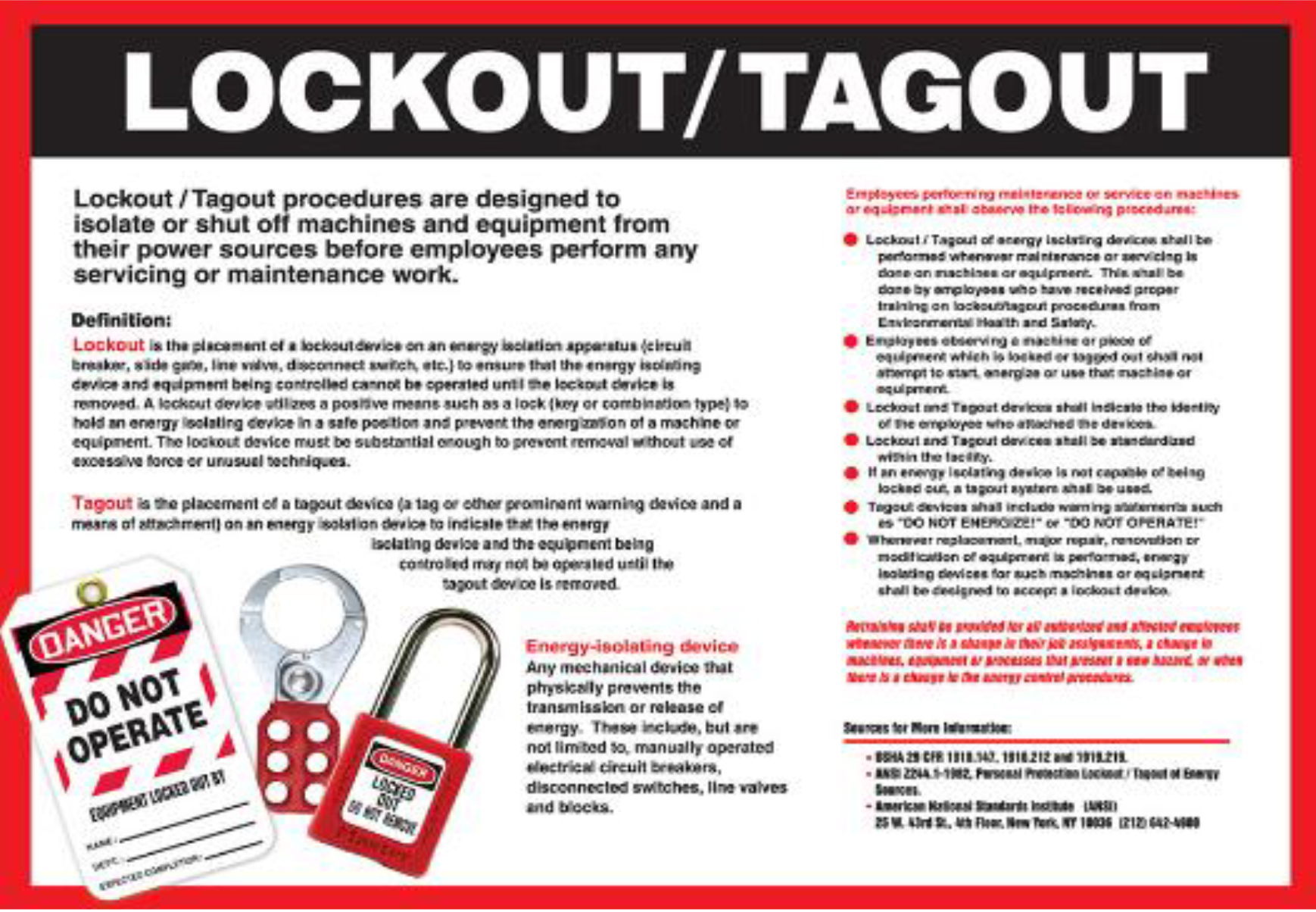
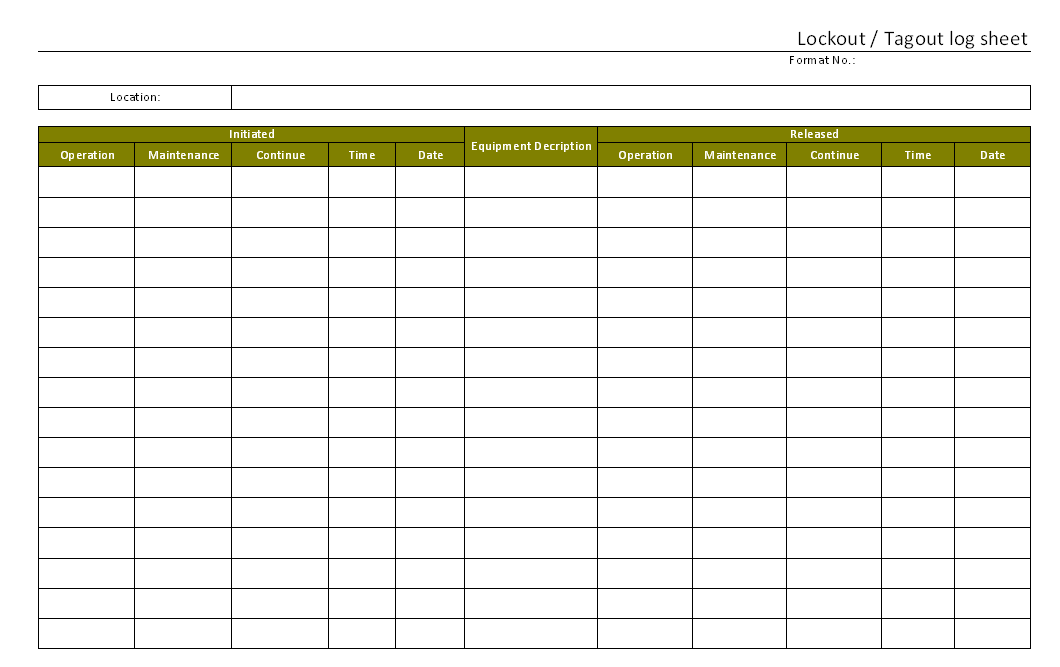
A lock out tag out log is a chronological record of every time machinery or equipment is isolated from hazardous energy sources. It captures key details during maintenance, repair, or servicing procedures where unexpected energization could cause harm.
Each entry typically includes: - Date and time of lockout - Name and ID of authorized employee - Equipment or system locked out - Type of energy sources isolated (electrical, hydraulic, pneumatic, chemical, etc.) - Lock and tag numbers used - Reason for shutdown - Time of verification (test for zero energy) - Time and name of person restoring power
These logs aren’t just internal notes—they’re part of an OSHA-mandated energy control program under 29 CFR 1910.147. The standard requires “periodic inspections” of LOTO procedures, with documented reviews at least annually. The log is the primary source for these audits.
Companies using paper logs often struggle with legibility, loss, and delayed entries. Digital systems improve accuracy, but only if properly implemented.
Example: A food processing plant logs every LOTO event on a clipboard near the boiler. During an OSHA audit, two entries are missing dates, and one tag number doesn’t match the lock. The inspector flags non-compliance—even if the work was done safely. The logs failed to prove it.
Why LOTO Logs Are Non-Negotiable
Legal Compliance OSHA doesn’t just recommend logs—they require them. If your organization can’t produce verified logs during an inspection, you’re at risk of fines, shutdowns, or criminal liability in case of injury.
In 2023, a manufacturing facility was fined over $100,000 after an amputation incident. The root cause? No record of a lockout despite claims it had been performed. No log, no proof.

Incident Investigations When something goes wrong, logs are the first document investigators review. They help answer: - Was a lockout performed? - Was it done correctly? - Who was responsible? - Was the procedure followed?
Without a log, assumptions replace facts—often to the employer’s detriment.
Training and Accountability LOTO logs serve as training tools. New technicians can review past entries to understand how procedures were applied. Supervisors use logs to verify team compliance and identify recurring errors.
One refinery uses anonymized log entries in monthly safety meetings. “Why was hydraulic pressure not verified here?” sparks discussion, not blame—turning logs into learning tools.
Common LOTO Log Mistakes (And How to Fix Them)
Even facilities with solid safety cultures make errors in logging. These are the most common:
1. Delayed Entries Technicians “remember to log it later”—then forget. Or they finish early and skip the paperwork.
Fix: Require log completion before equipment re-energization. Treat the log as a physical key: no entry, no restart.
2. Incomplete Information Missing verification steps, tag numbers, or energy types make logs useless.
Fix: Use structured forms—digital or paper—with mandatory fields. No blank spaces allowed.
3. Shared or Generic Accounts One supervisor signs off for all technicians. Or entries say “maintenance team” instead of individual names.
Fix: Each authorized employee must sign their own entry. OSHA requires individual accountability.
4. No Verification Step Recorded Technicians isolate energy but fail to document the test for zero energy.
Fix: Build the verification step into the log. Add a checkbox: “Tested and confirmed zero energy state.”
5. No Audit Trail Annual inspections are done but not documented in or linked to the log.
Fix: Include an audit section in the log or tie digital entries to a compliance calendar.
Paper vs. Digital LOTO Logs: What Works Best?
The format of your log impacts reliability, accessibility, and compliance.
| Feature | Paper Logs | Digital Logs |
|---|---|---|
| Accessibility | On-site only | Cloud-based, accessible anywhere |
| Tamper Risk | High (edits hard to trace) | Low (audit trails, user logs) |
| Searchability | Manual, slow | Instant search by date, name, asset |
| Integration | None | Can link to CMMS, ERP, safety systems |
| Training Use | Limited | Exportable for safety reviews |
Paper Logs still work in low-tech environments. But they’re vulnerable. A torn page, water damage, or missing binder invalidates months of records.
Digital Logs provide real-time validation, automatic timestamps, and integration with maintenance software. They reduce human error and simplify audits.
Real-World Example: A wastewater treatment plant switched from paper logs to a mobile app. In the first quarter, compliance rose from 68% to 97%. Auditors could pull full reports in minutes. Technicians appreciated auto-filling routine fields.
The best system matches your workflow—not the other way around.
Top 5 Digital Tools for Managing LOTO Logs
If you're moving toward digital recordkeeping, these tools offer strong features for LOTO logging:

- Fiix by Rockwell Automation
- - CMMS with built-in LOTO workflows
- - Custom log templates, mobile access
- - Integrates with work orders and compliance tracking
- UpKeep
- - Mobile-first platform
- - Photo documentation, real-time sync
- - Role-based permissions for safety logs
- Spartakus LOTO
- - Purpose-built for energy control
- - QR code scanning for equipment
- - Automated reminders and audit trails
- MaintainX
- - Free tier available
- - Checklists, digital signatures, reporting
- - Easy setup for small to mid-sized teams
- SafeSite Facility
- - Combines LOTO with permit-to-work systems
- - Real-time monitoring, geofencing
- - Ideal for multi-site operations
Choose based on integration needs, team size, and existing systems. Avoid tools that don’t support OSHA-aligned fields or lack audit trail functionality.
How to Build a Reliable LOTO Logging Process
Start with these steps to create a system that works—not just complies.
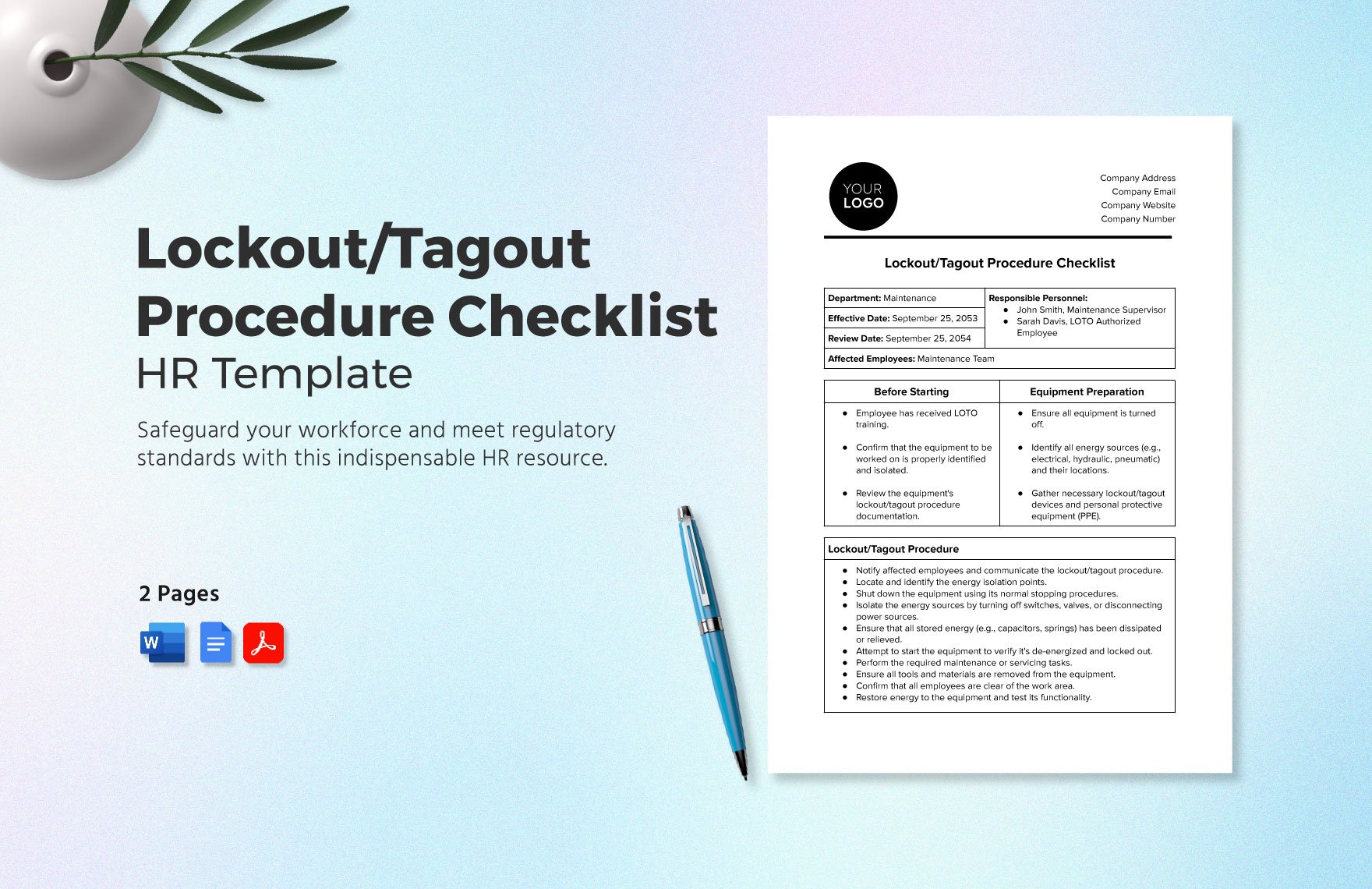
Step 1: Standardize the Template Use a consistent format across all equipment. Include: - Equipment ID - Authorized employee name/ID - Energy types isolated - Lock/tag numbers - Zero energy verification - Supervisor review (for high-risk tasks)
Step 2: Train on the "Why" Technicians who understand that logs protect them—not just the company—are more likely to comply. Use real injury stories during training.
Step 3: Integrate with Workflows Tie log completion to work order closure. No log, no job marked complete.
Step 4: Audit Monthly, Not Just Annually Annual reviews catch problems too late. Pull random log entries monthly to verify accuracy and timeliness.
Step 5: Empower Supervisors Give leads access to logs to spot trends—like repeated errors on a specific machine or by a specific team.
LOTO Logs in High-Risk Industries
Different sectors face unique challenges:
- Manufacturing: High equipment turnover. Use machine-specific log stations near isolation points.
- Oil & Gas: Remote sites. Digital logs with offline mode essential.
- Healthcare: Medical equipment with mixed energy sources. Logs must detail electrical, mechanical, and pneumatic isolation.
- Utilities: Lockout across distributed assets. GPS-tagged entries help verify location and timing.
One chemical plant uses color-coded log sheets: red for electrical, blue for pneumatic, yellow for chemical. Visual cues reduce confusion during multi-source isolation.
The Bottom Line: Your Log Is Your Proof
LOTO logs aren’t bureaucracy. They’re evidence of due diligence. They protect workers, defend your organization, and strengthen safety culture.
A flawless lockout means nothing if you can’t prove it happened. The log is that proof.
Don’t wait for an incident or audit to fix your logging system. Review your current process today. Are entries complete? Are they timely? Can you produce a full report in 10 minutes?
If not, redesign it now—before the consequences catch up.
Update templates, train teams, and consider digital tools that enforce discipline. Make every log entry a non-negotiable step in your energy control program.
Because in safety, what you can’t prove didn’t happen.
Frequently Asked Questions
What should be included in a lock out tag out log? A complete LOTO log includes the date, time, employee name, equipment ID, energy types isolated, lock/tag numbers, verification of zero energy, and restoration details.
How long should LOTO logs be kept? OSHA requires at least one year of records for periodic inspection documentation. Many companies retain logs for 3–5 years for legal and operational purposes.
Who is responsible for filling out the LOTO log? The authorized employee performing the lockout must complete the log. Supervisors may review or verify, but the technician is accountable.
Can digital LOTO logs replace paper ones? Yes, and they’re often preferred. Digital systems offer better accuracy, searchability, and audit trails—as long as they meet OSHA’s documentation requirements.
Do all maintenance tasks require a LOTO log? Only tasks involving servicing or maintenance where unexpected energization could cause injury. Routine production operations do not require lockout.
What happens if a LOTO log is missing? Missing logs can lead to OSHA citations, increased liability during incidents, and failed audits—even if the lockout was performed.
How often should LOTO logs be audited? OSHA requires annual inspections of LOTO procedures, but best practice is monthly spot checks to maintain compliance and catch errors early.
FAQ
What should you look for in Lock Out Tag Out Logs: Why They Matter and How to Manage Them? Focus on relevance, practical value, and how well the solution matches real user intent.
Is Lock Out Tag Out Logs: Why They Matter and How to Manage Them suitable for beginners? That depends on the workflow, but a clear step-by-step approach usually makes it easier to start.
How do you compare options around Lock Out Tag Out Logs: Why They Matter and How to Manage Them? Compare features, trust signals, limitations, pricing, and ease of implementation.
What mistakes should you avoid? Avoid generic choices, weak validation, and decisions based only on marketing claims.
What is the next best step? Shortlist the most relevant options, validate them quickly, and refine from real-world results.